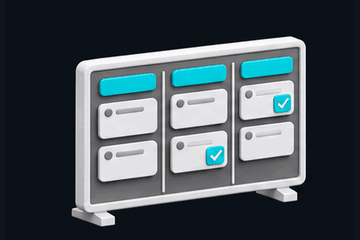
Projects & tasks Assign owners, track deadlines and organise work with task boards, dependencies and reminders.
Explore workflow Create a project, add tasks, assign responsible people and follow progress in the list or board. Link prerequisites to coordinate the sequence.
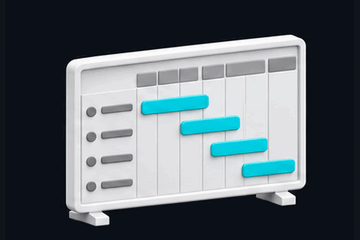
Open workspace Gantt timelines & planning Plan across months with scalable timelines, milestones, actual dates and dependency links. Schedule undated tasks and print your chart.
Explore workflow Add start and due dates, choose a timeline range and adjust chart size. Open a task from its row or bar to revise dates, then print the schedule.
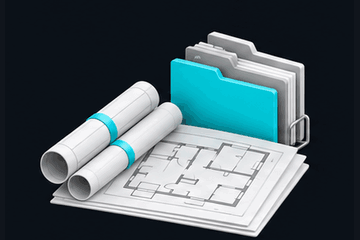
Open workspace Drawings & files Keep project drawings and revisions together, manage the drawing register and preview supported images, PDFs and Office files.
Explore workflow Upload a project file, record its revision and keep the drawing register current. Open supported previews without leaving your workspace.
Open workspace Meetings & decisions Save meeting minutes, record decisions and turn reviewed action points into assigned project tasks.
Explore workflow Save minutes, review extracted action points and confirm owners and dates before creating tasks.
Open workspace Construction & site progress Record site updates, measured progress, snags, inspections and change orders throughout construction.
Explore workflow Add a site update, record measured work and track inspections, snags and changes against the project.
Open workspace Stage-by-stage estimates Build quantity estimates and BOQs with architecture, construction and engineering templates, saved project inputs and custom items.
Explore workflow Select a discipline and construction stage, choose a template, review dimensions and rates, then save each BOQ item.
Open workspace Interior design estimates Plan interiors by stage, including wall paint, flooring, finishes, joinery and shop drawings, with selectable templates and manual quantities.
Explore workflow Choose interior stages and templates, enter paint or flooring quantities and rates, and add custom work items for your project.
Open workspace Finance & reports Track invoices, receipts, expenses, outstanding balances, TDS and retention. Export ledgers and recorded Indian GST summaries to CSV.
Explore workflow Record invoices and payments, review outstanding balances and filter dates before exporting project expenses or tax summaries.
Open workspace People, clients & vendors Keep contacts, roles, crews, vendor details and client records linked to the right project.
Explore workflow Add contacts and work scopes, connect them to projects and group workers into crews where needed.
Open workspace Live updates & team comments Refresh project changes automatically while the app is open. Discuss work with your team and receive in-app comment notifications.
Explore workflow Keep the app open to receive refreshed project data. Post a project comment and open the bell to review team notifications.
Open workspace Company workspaces & permissions Separate company records and control team access with Admin, Manager, Engineer and Viewer roles.
Explore workflow Create a company workspace and assign team roles to control who can view or edit project records.
Open workspace Backup & browser app Export workspace backups and restore supported records. Install the browser app for desktop access to the same online workspace.
Explore workflow Export a workspace backup and download original files separately. Install the browser app for quick access to the same online records.
Open workspace Online updates require an open app and an internet connection. In-app video calls require a configured Daily room and an active provider account; camera broadcasting uses an external provider. GST summaries report saved entries and do not file tax returns.